
Market & Receiving
Unload the catch, serve customers, and collect earnings.
A little harbor. A big beginning.
Build a fishing business from the dock to the top of the glass tower.
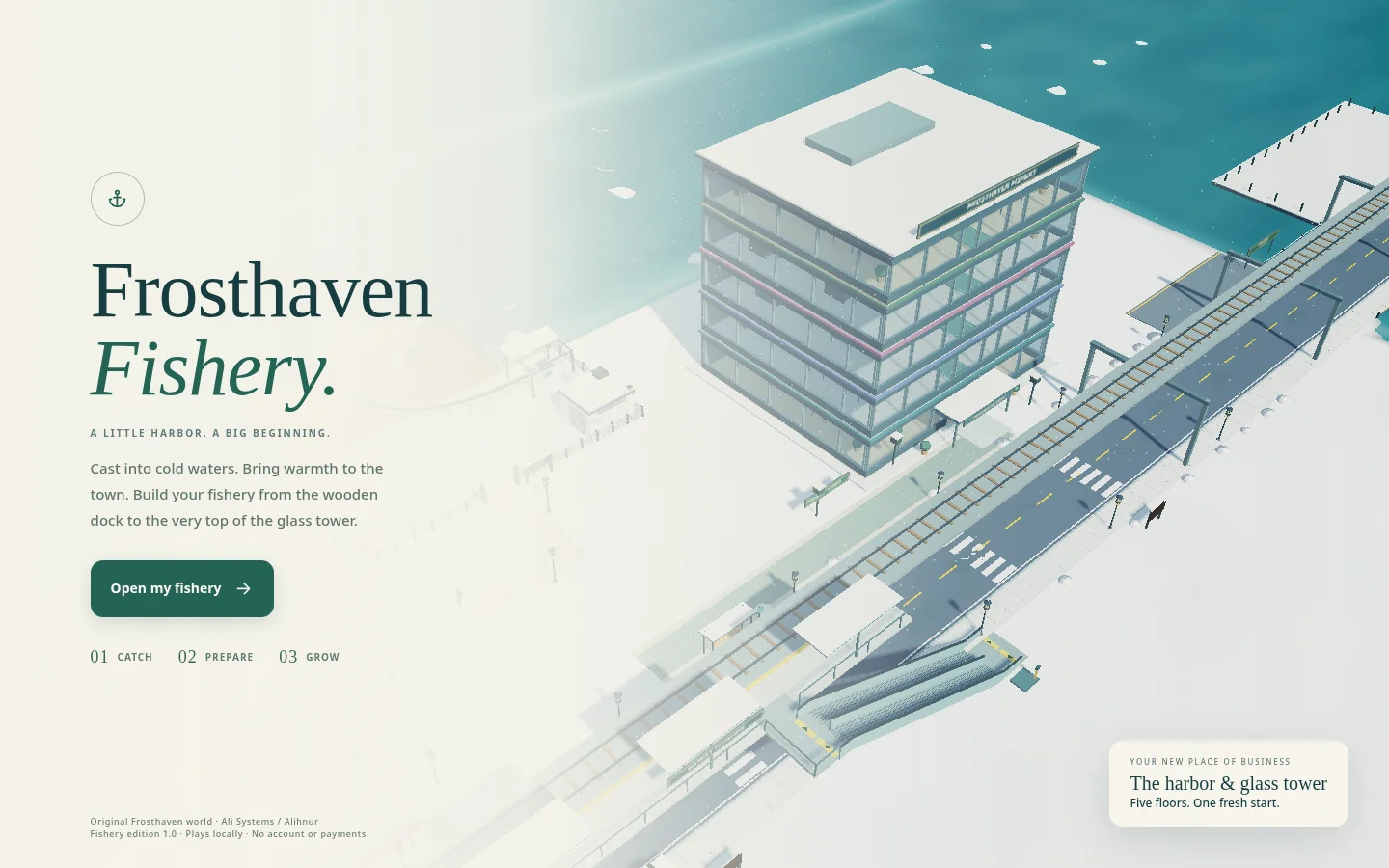
The fishery connects the harbor to a five-floor company tower. Every floor has a purpose, and every catch can become part of the production chain.
Start at the dock with a timing-based fishing interaction. Bring the catch to Receiving, prepare it, smoke and package it, then serve customers or send deliveries. Hire a crew and invest in equipment as the business grows.
Unload the catch, serve customers, and collect earnings.
Turn fresh fish into prepared stock.
Process batches into higher-value packed goods.
Check inventory and fulfill delivery orders.
Recruit crew, review the business, and invest in equipment.
The game uses its own WebGL2 renderer, with separate JavaScript modules for the world, navigation, production, and interface.
The carried basket is separate from tower inventory. Timed processing, a collectable market till, crew roles, and deliveries connect the production chain.
Game saves use browser storage, with JSON export and restore. There’s no cloud account, multiplayer, or offline-income calculation in this edition.
Use WASD or the arrow keys to walk, E or Space to interact, and Q / R to rotate the camera. On touch screens, use the thumbstick and green action button. The game also supports clicking or tapping the ground to move.
The game saves in this browser. Use Settings → Export save for a backup before clearing browser data, switching devices, or replacing the game. Restore save accepts the exported JSON file. Local browser storage is not cloud synchronization.
The game requires WebGL2. Graphics settings are available in the game; try a lower setting on a slower device. On a phone, landscape gives the town more screen space. Performance depends on your device and browser.
The standalone HTML edition is included. Save the file and open it in a full browser with WebGL2 enabled. Some attachment viewers and mobile file viewers do not run HTML games. Progress may be separate from your hosted game, so export your save first.
Download standalone HTML